
ServicesProduct UI/UXStartups to enterprise
Product design that makes complex software clear and usable.
Overview
What this service covers.
We design product interfaces and design systems that support how users and operators actually work, so engineering builds the right thing and teams can extend the experience later.
In business software, poor design rarely looks ugly. It looks like a form that needs a training manual, a dashboard nobody trusts or a workflow that takes six clicks for something people do fifty times a day.
We design product interfaces and design systems for web and mobile software, grounded in how your users and operators actually work, and hand them over in a form engineers can build without guessing.
A strong fit when
- You are planning a new product or major feature and want to validate flows before building them.
- Users rely on support or training to complete common tasks in an existing product.
- Different parts of the product look and behave inconsistently and every new screen is designed from scratch.
- Engineering is blocked or rebuilding things because designs arrive incomplete.
Consider another route when
- You mainly need brand identity, illustration or marketing visuals. A brand studio is a better fit.
- The product decisions are already fixed and you only need pixel-level polish on existing screens.
Capabilities
What we deliver.
- 01
Product UX research
Clarify users, jobs to be done, and friction before screens are finalized
- 02
Information architecture
Structure flows and navigation so complex products stay understandable
- 03
Interface design
Clear, consistent UI that supports decision-making rather than decoration
- 04
Design systems
Reusable components and patterns that keep product UI coherent as it grows
- 05
Prototyping
Clickable flows for stakeholder alignment before expensive build cycles
- 06
Engineering handoff
Specs and assets organized for implementation, not a dump of disconnected frames
Tools and technologies
- Figma
- Design systems
- Prototyping
- Accessibility-minded UI
- Dev handoff
Approach
How we think about it.
- 01
Design for real daily work
Operational software is used repeatedly by people under time pressure. We design for that reality: sensible defaults, clear status, forgiving inputs, bulk actions where tasks repeat, and empty, loading and error states designed as carefully as the happy path.
Research does not need to be a separate project. Watching a few users complete real tasks, reviewing support tickets and looking at where people drop off usually reveals the biggest problems quickly.
- 02
Design systems that keep products coherent
As products grow, inconsistency creeps in through slightly different buttons, tables and form patterns that each need separate code. A design system defines those components once, with their states and usage rules, so new features are assembled rather than reinvented.
We build design systems in Figma that map to real code components, so designers and engineers refer to the same building blocks.
- 03
Handoff engineers can use
A handoff is more than a set of finished screens. We document interaction details, responsive behavior, edge cases and accessibility requirements such as focus order, contrast and labels, and we stay available while the build is underway to answer questions and review the implemented UI.
Design can be delivered on its own for your developers, or alongside our engineering team when we build the product too.
How we work
From scope to release.
01
Stage 1Research and problem framing
- You get
- Interview and usage findings, user roles, key jobs to be done and the main friction points.
02
Stage 2Flows and architecture
- You get
- User flows and information architecture for the agreed scope.
03
Stage 3Wireframes
- You get
- Wireframes for the core screens, reviewed with stakeholders and, where possible, users.
04
Stage 4Visual design
- You get
- High-fidelity UI built on reusable components and documented states.
05
Stage 5Prototype and handoff
- You get
- A clickable prototype, design system components and an engineering-ready handoff.
Recent work
Recent client work.
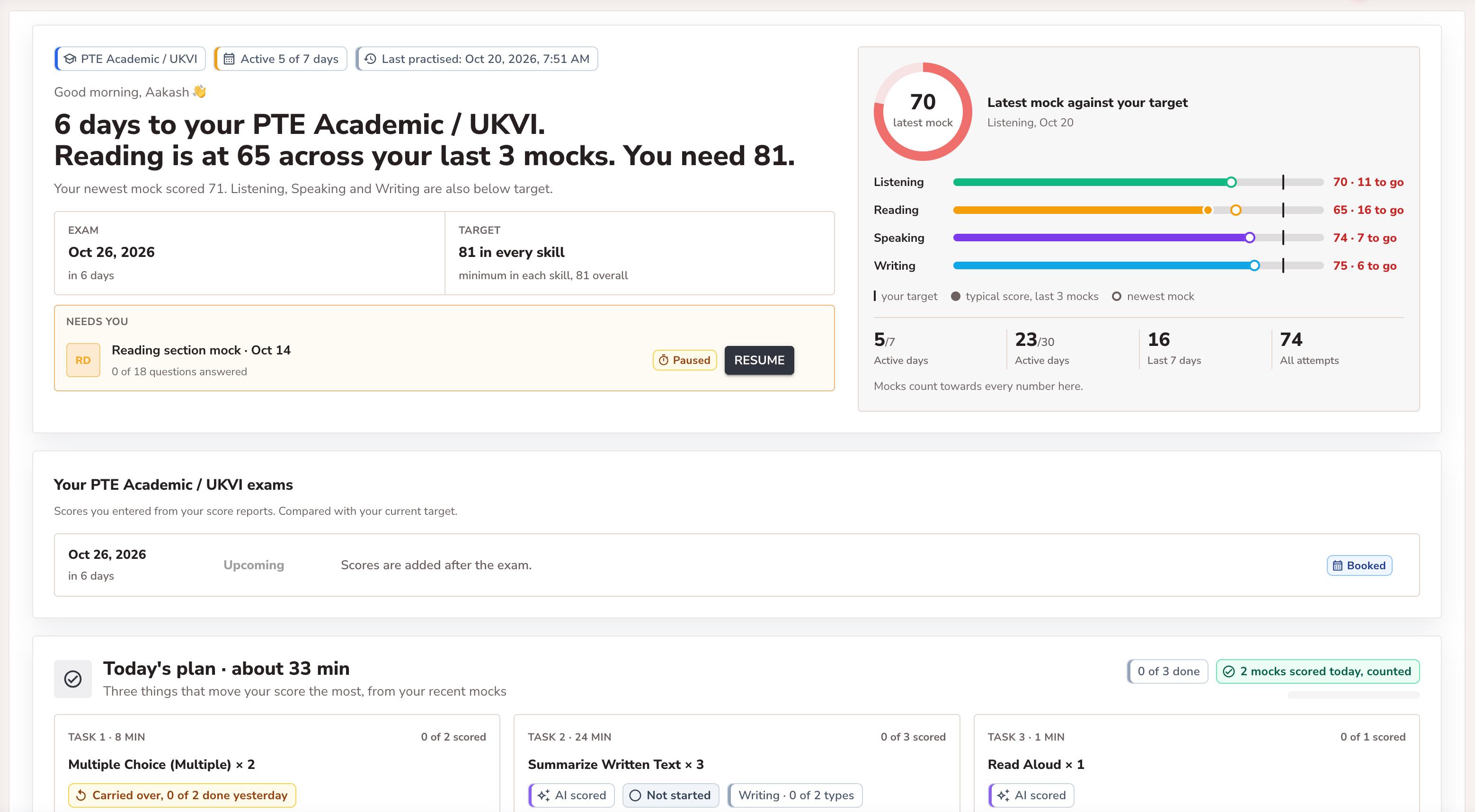 Education Technology
Client
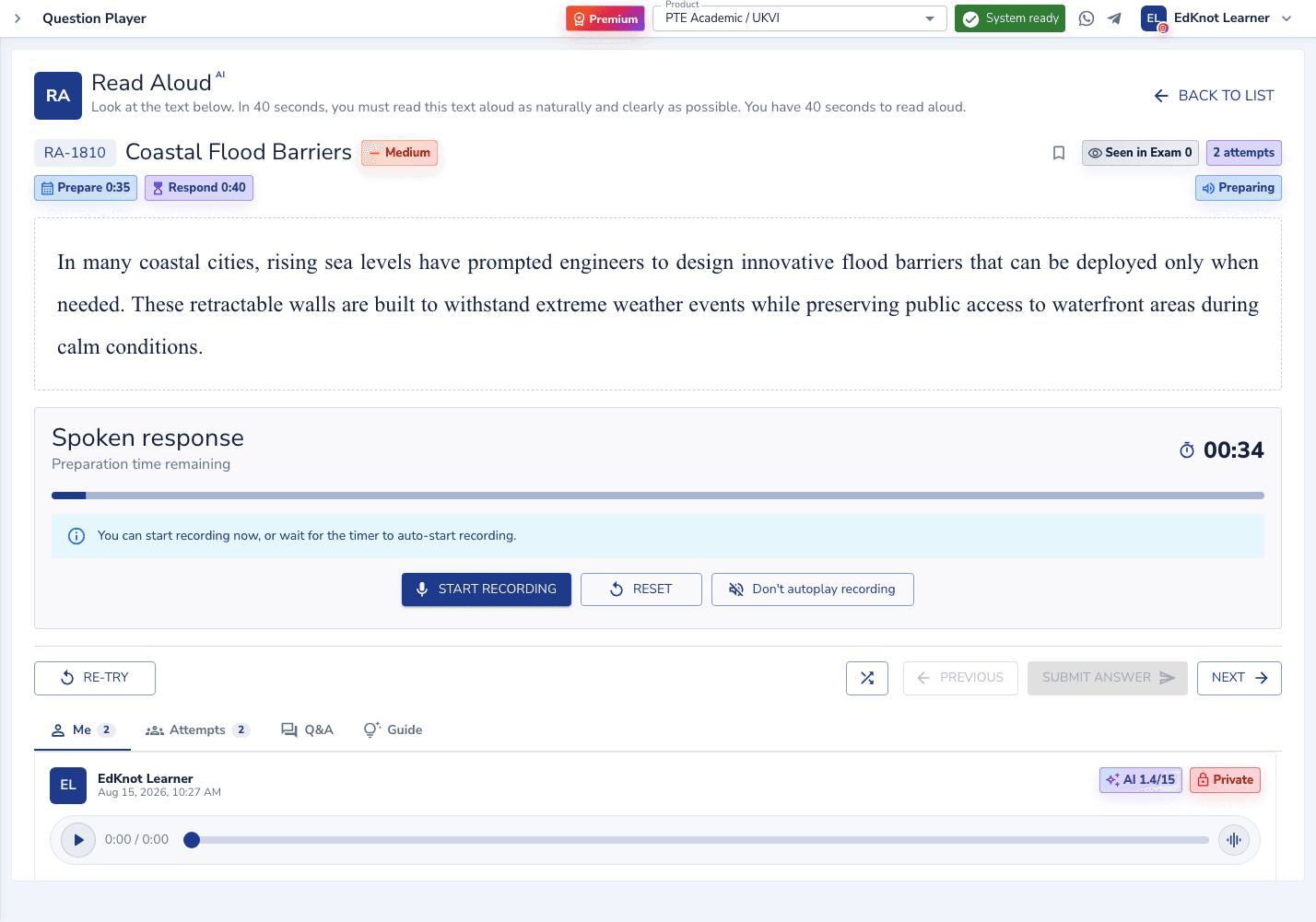
EdKnot
practice questions
Making PTE preparation more focused with AI-powered practice
- Web Application Development
- EdTech Platform
- AI Integration
- Read the case study
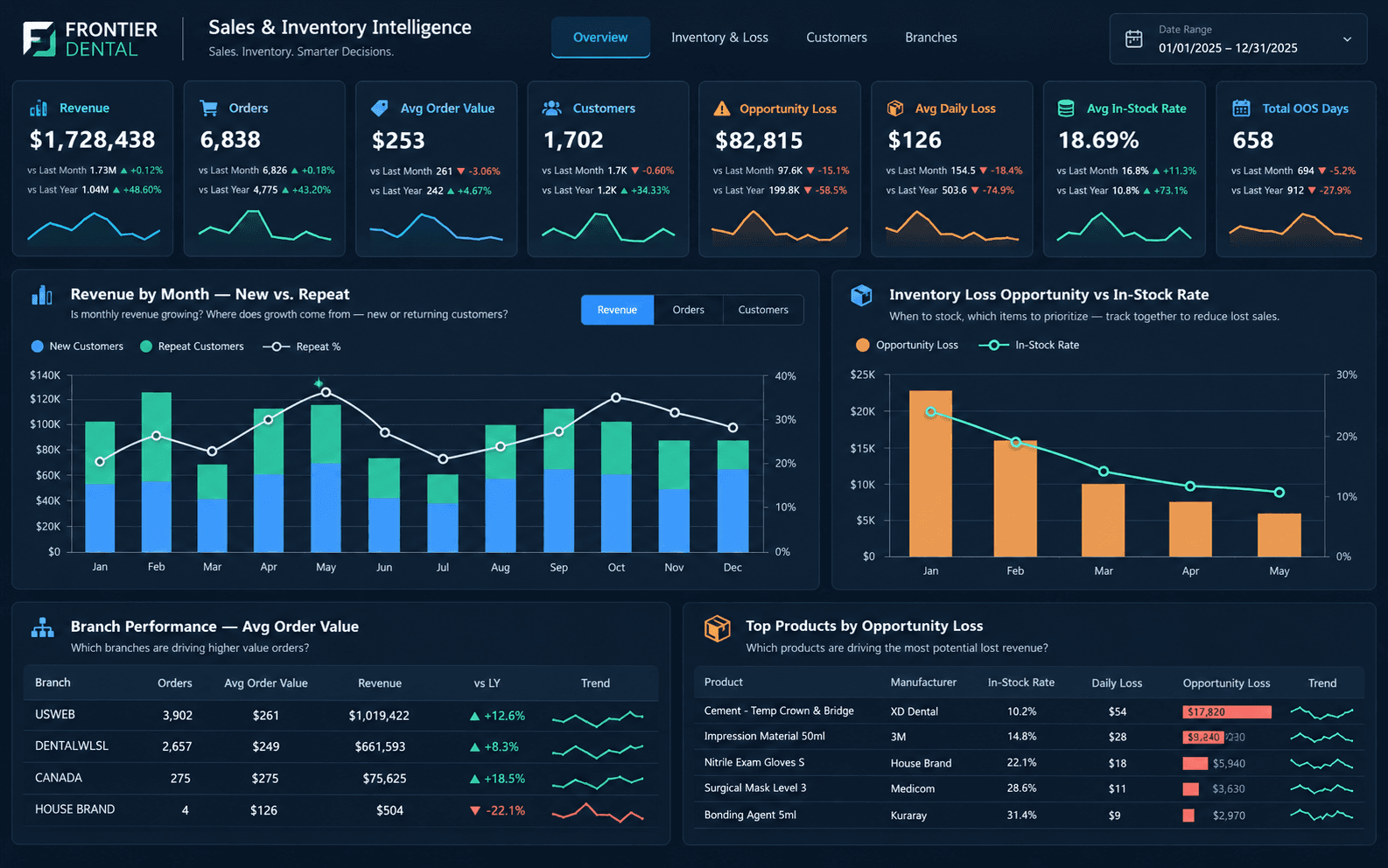 Power BI
Client
ITC
reporting areas in one view
Bringing sales and inventory into one reporting view
- Power BI
- Sales Analytics
- Inventory Intelligence
- Read the case study
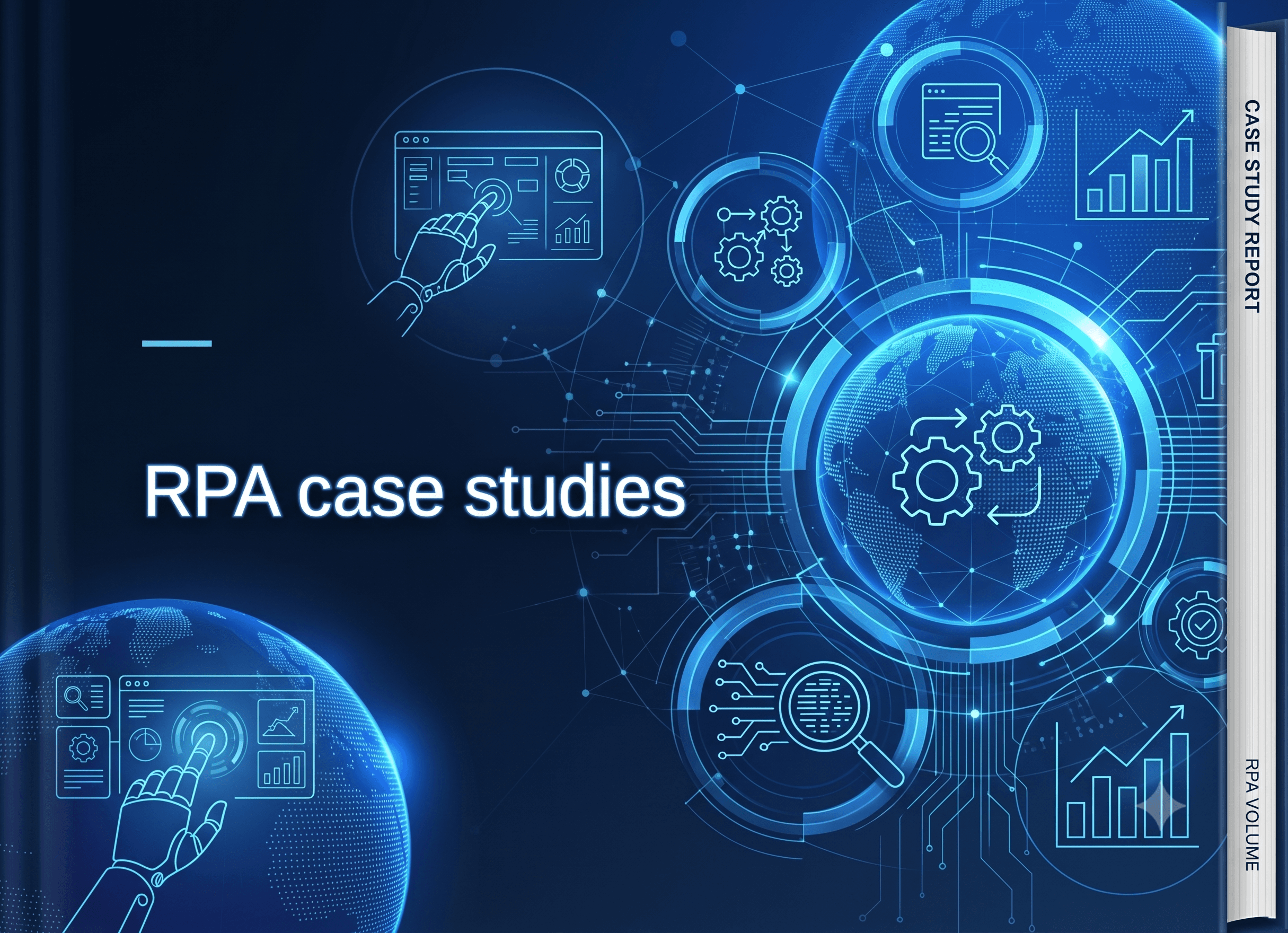 UiPath
Client
RPA
automation projects
RPA across operations, clinics, and compliance
- UiPath
- Workflow automation
- System integration
- Read the case study
Explore the full portfolioAll case studies
FAQ
Common questions.
Related services
Often combined with.
 Software engineered around how your business actually operates.
Custom software development
 Fast, secure web platforms for customers, partners, and internal teams.
Web application development
 Native and cross-platform apps built for performance and scale.
Mobile app development
Explore every capabilityAll services
Let’s build what’s next
Tell us what you are building and we will show you how we would deliver it.