

ServicesSystem integrationStartups to enterprise
Connected systems, so data moves reliably across the business.
Overview
What this service covers.
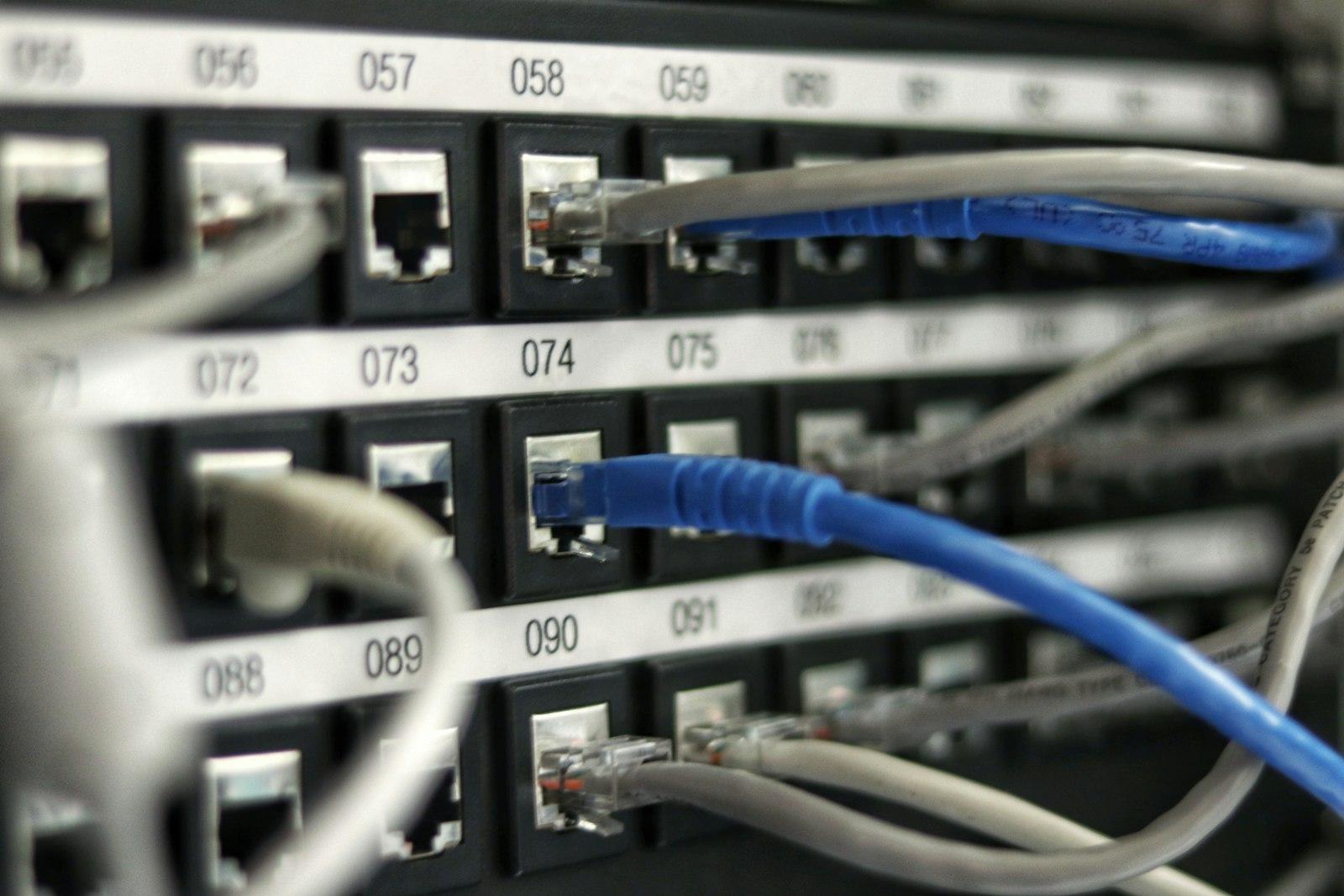
We connect existing applications and data through APIs, webhooks, and supported exchange methods so information stays consistent across internal systems, third-party platforms, and legacy applications.
When applications do not talk to each other, people become the integration layer. They copy orders from one system to another, reconcile spreadsheets at month end and chase status updates by email. It is slow, and every manual step is a chance for records to drift apart.
We connect your applications through APIs, webhooks, queues and, where necessary, file-based exchange, so information moves reliably between internal systems, third-party platforms and legacy software, with clear rules for what happens when something fails.
A strong fit when
- Teams re-enter the same data in several systems or reconcile them by hand.
- You are adding a new platform such as a CRM, ERP or e-commerce tool and it must fit existing ones.
- A legacy application has to keep running but needs to share data with newer tools.
- Existing integrations fail silently and nobody notices until records are wrong.
Consider another route when
- An off-the-shelf connector already handles the exact sync you need. Configure that first.
- The systems involved provide no supported way to read or write data and access cannot be arranged.
Capabilities
What we deliver.
- 01
API and webhook connections
Link applications through documented interfaces with clear contracts and failure behavior
- 02
Data synchronization
Keep records aligned across systems with defined ownership, timing, and conflict handling
- 03
Internal and third-party systems
Connect business applications and external platforms your operations already depend on
- 04
Legacy and file-based exchange
Bridge older applications with APIs, queues, or file-based exchange when that is the practical path
- 05
Workflow connections
Move work between tools so teams are not copying data by hand between screens
- 06
Error handling and maintainability
Retries, logging, and clear ownership so integrations remain operable after launch
Tools and technologies
- REST / GraphQL APIs
- Webhooks
- Data sync patterns
- Message and job queues
- Legacy bridges
- Monitoring hooks
Approach
How we think about it.
- 01
Decide who owns each record
Most integration problems are not technical. They come from two systems both believing they own the same data. Before building anything, we agree which system is the source of truth for each entity, such as customers, products, orders and invoices, and in which direction changes flow.
With ownership settled, the rest follows: what to do when the same record changes in two places, how to match records that lack a shared ID, and which fields one system may never overwrite in another.
- 02
Designing for failure
Every integration eventually meets an expired credential, a rate limit, an outage or an unexpected payload. The difference between a dependable integration and a fragile one is what happens next. We build in retries with backoff, idempotency so a replayed message does not create duplicates, dead-letter queues for messages that cannot be processed, and alerts that reach the right person.
Each integration is logged well enough that someone can answer 'what happened to this order?' without reading code.
- 03
Working with legacy systems
Older applications often lack modern APIs, but they usually offer something: a database export, scheduled files, an older SOAP interface or a reporting endpoint. We use the most reliable supported option and wrap it behind a clean interface, so newer systems integrate with that interface instead of with the legacy quirks.
That wrapper also makes a future replacement easier. When the legacy system is eventually retired, only the adapter behind the interface needs to change.
How we work
From scope to release.
01
Stage 1Systems and data inventory
- You get
- An inventory of systems, data owners, volumes, existing interfaces and pain points.
02
Stage 2Integration design
- You get
- Integration design: which system owns each record, sync direction and timing, and failure handling.
03
Stage 3Build and contract validation
- You get
- Built integrations validated against each system's real API contracts and sandbox data.
04
Stage 4Failure-path testing
- You get
- Tests for failure paths such as timeouts, duplicates, partial failures and replays.
05
Stage 5Deploy, observe, and handover
- You get
- Deployment with monitoring and alerts, runbooks and a handover window.
Related work
System integration in practice.
Explore the full portfolioAll case studies
FAQ
Common questions.


Related services
Often combined with.
 Software engineered around how your business actually operates.
Custom software development
 AI and automation put to work on real operational workflows.
AI and workflow automation
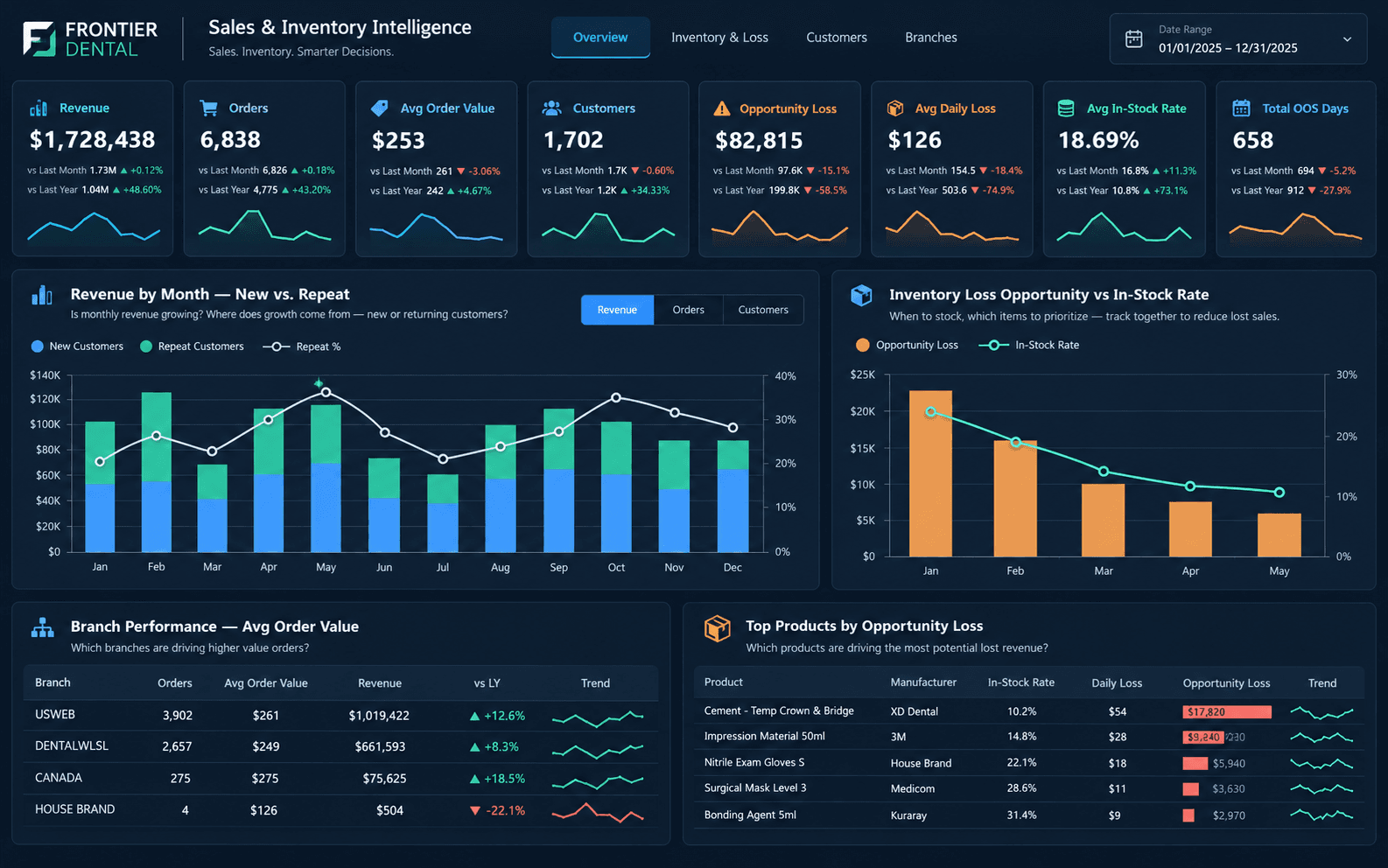 Data models and dashboards that turn operations into decisions.
Data modeling and analytics
Explore every capabilityAll services
Let’s build what’s next
Tell us what you are building and we will show you how we would deliver it.